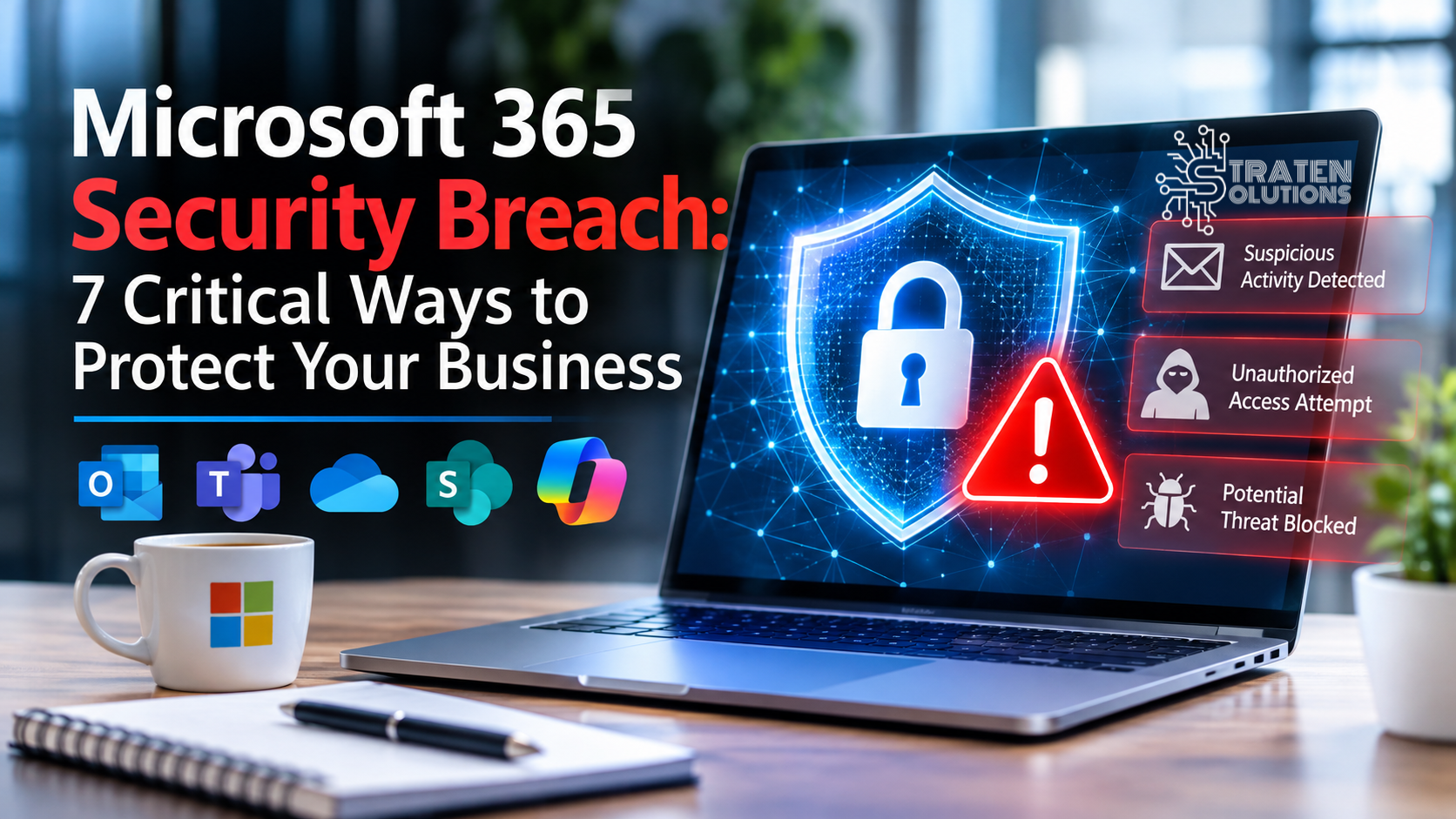
Is Your Business Prepared for a Microsoft 365 Security Breach?
Introduction: One Compromised Account Could Put Your Business at Risk
Imagine arriving at work on Monday morning only to discover that someone has accessed your company’s email, downloaded confidential documents, and sent fraudulent payment instructions to your customers. Your employees cannot access important files, and your business is suddenly dealing with a security incident that could have been prevented.
For many businesses, Microsoft 365 is at the center of daily operations. Employees use Outlook to communicate with customers, OneDrive to store documents, SharePoint to collaborate on projects, and Teams to keep everyone connected. These tools make work easier, but they also contain valuable information that cybercriminals may want to steal or misuse.
A Microsoft 365 security breach can happen when an unauthorized person gains access to an account, exposes sensitive information, or misuses the permissions available within a company’s Microsoft 365 environment. Sometimes, all it takes is one employee clicking a convincing phishing link or using a password that has already been compromised.
The consequences can extend far beyond a single email account. A security incident may expose financial records, interrupt business operations, damage customer relationships, and create unexpected recovery costs.
The good news is that businesses can take practical steps to reduce these risks. Understanding where vulnerabilities exist and putting the right safeguards in place can make a significant difference.
So, how prepared is your business to prevent, detect, and respond to a Microsoft 365 security breach?
What Is a Microsoft 365 Security Breach?
A Microsoft 365 security breach occurs when an unauthorized person gains access to business information, accounts, or resources within a Microsoft 365 environment, or when sensitive information is exposed or misused.
Microsoft 365 provides cloud-based applications and services such as Outlook, OneDrive, SharePoint, and Teams. Businesses rely on these tools to communicate, store documents, manage projects, and share information with employees, customers, and partners.
Because these services often contain sensitive business data, compromised accounts can create opportunities for attackers to access information or carry out fraudulent activities.
Common examples include:
- Compromised email accounts: A cybercriminal gains access to an employee’s Outlook account and reads confidential messages.
- Business email compromise: An attacker uses a compromised account or impersonates a trusted contact to request fraudulent payments.
- Unauthorized file access: Someone accesses confidential documents stored in OneDrive or SharePoint.
- Account takeover: An attacker gains control of a Microsoft 365 account and uses it to access additional resources.
- Malicious file sharing: Sensitive information is shared with unauthorized individuals through improperly configured permissions or compromised accounts.
- Data theft: An attacker copies business information and potentially uses it for fraud, extortion, or other malicious purposes.
Not every suspicious email or login attempt means a breach has occurred. However, unusual account activity, unexpected file-sharing changes, and unfamiliar sign-ins should be investigated rather than ignored.
Why Are Small Businesses at Risk of a Microsoft 365 Security Breach?
Small and medium-sized businesses often depend on Microsoft 365 without having a dedicated IT security team monitoring their environment around the clock.
This does not automatically make a business vulnerable. However, limited resources, inconsistent security practices, and insufficient monitoring can make it harder to identify and respond to threats.
Here are some common reasons businesses may be exposed.
1. Weak or Reused Passwords
Employees sometimes reuse passwords across multiple websites and applications. If one of those services experiences a data breach, attackers may try the exposed credentials against Microsoft 365 accounts.
A strong, unique password for every account helps reduce this risk. A password manager can also make it easier for employees to maintain secure credentials without memorizing dozens of passwords.
2. Lack of Multi-Factor Authentication
Passwords alone are not always enough to protect an account. If an attacker obtains a password, they may be able to sign in unless additional security measures are in place.
Multi-factor authentication (MFA) requires users to verify their identity using an additional method. Depending on the configuration, this might involve an authenticator app, a security key, or another supported verification method.
Businesses should enable appropriate MFA protections for employees, administrators, and other accounts with access to sensitive information.
3. Employees Falling for Phishing Emails
Phishing emails are designed to trick recipients into revealing credentials, opening malicious attachments, or approving fraudulent requests.
An email might appear to come from Microsoft, a company executive, a supplier, or a familiar customer. It may warn that an account will be suspended or ask an employee to review an urgent document.
Regular security awareness training helps employees recognize suspicious messages and report them before they cause harm.
Employees can learn to recognize common warning signs by reviewing the Cybersecurity and Infrastructure Security Agency’s phishing guidance
4. Excessive User Permissions
Employees should have access to the information they need to perform their jobs, but they do not necessarily need access to every company document or system.
When permissions are too broad, a compromised account may expose more information than necessary.
Businesses should regularly review access to SharePoint sites, OneDrive files, Teams resources, and administrative accounts. Access should be adjusted when employees change roles or leave the organization.
5. Limited Monitoring and Security Reviews
Without appropriate monitoring, suspicious sign-ins or unexpected account changes may go unnoticed.
Businesses should review available security alerts, sign-in activity, administrator changes, and unusual file-sharing behavior. Microsoft 365 security capabilities vary by subscription and configuration, so organizations should confirm which protections are available and whether they are enabled.
7 Warning Signs Your Business May Be Experiencing a Security Breach
Recognizing unusual activity early can help reduce the impact of a security incident.
Watch for these warning signs:
- Unfamiliar sign-ins: Account activity appears from unexpected locations, devices, or sessions.
- Unexpected password resets: An employee receives a password reset notification they did not request.
- Suspicious sent emails: Messages appear in an employee’s Sent folder that they do not remember sending.
- Unexpected MFA requests: An employee receives authentication approval requests without attempting to sign in.
- Unusual forwarding rules: Emails are automatically forwarded to an unfamiliar external address.
- Unexpected file-sharing activity: Sensitive documents become accessible to people who should not have access.
- Unusual administrator changes: New administrative accounts, permissions, or security settings appear without authorization.
One warning sign does not necessarily prove that a breach has occurred. Some activity may have a legitimate explanation. However, unexpected changes should be investigated promptly, especially when multiple warning signs appear together.
How to Protect Your Business From a Microsoft 365 Security Breach
Preventing every possible attack is unrealistic, but businesses can significantly improve their security by establishing consistent safeguards.
For additional guidance on protecting your organization’s cloud environment, review Microsoft’s security documentation.
1. Enable Multi-Factor Authentication
Start by requiring MFA for employee accounts and prioritizing accounts with administrative privileges.
Where supported, consider stronger phishing-resistant methods, such as passkeys or security keys. Review your organization’s authentication policies to ensure they align with your business requirements.
MFA adds another layer of protection if a password is stolen. However, it should not be treated as a complete security solution because attackers may still use techniques designed to bypass or manipulate authentication.
Microsoft explains how organizations can strengthen account protection through its multi-factor authentication guidance.
2. Strengthen Email Security
Email remains an important communication channel and a common target for cybercriminals.
Review the email protection capabilities included in your Microsoft 365 subscription. Depending on your plan, available features may help detect malicious links, suspicious attachments, impersonation attempts, and other threats.
Employees should also be trained to verify unexpected payment requests, confirm changes to supplier banking details through a trusted communication channel, and report suspicious messages.
3. Review User Access and Permissions
Apply the principle of least privilege: give employees only the access they need to perform their responsibilities.
Review permissions regularly, particularly for sensitive SharePoint sites, OneDrive folders, Teams workspaces, and administrative accounts.
When an employee leaves the company, promptly disable or remove access as appropriate, revoke active sessions where necessary, and transfer ownership of business information to an authorized employee.
4. Protect Administrator Accounts
Administrative accounts can make significant changes to a Microsoft 365 environment. If an attacker compromises one, the potential impact may be substantial.
Businesses should limit the number of accounts with administrative privileges, use separate accounts for routine work and administration where practical, require strong authentication, and review privileged access regularly.
Avoid using administrator accounts for everyday activities such as reading email or browsing the internet.
5. Monitor Suspicious Activity
Security controls are most useful when someone responds to the warnings they generate.
Establish a process for reviewing security alerts, investigating unusual sign-ins, and escalating suspicious activity. Depending on your Microsoft 365 subscription, available tools may include Microsoft Entra sign-in logs, Microsoft Defender capabilities, and Microsoft Purview auditing features.
If your business does not have the staff or expertise to monitor these systems consistently, consider working with an IT security provider that can help manage monitoring and incident response.
6. Back Up Critical Business Data
Cloud storage is valuable, but it should not automatically be treated as a complete backup and recovery strategy.
Microsoft 365 includes data retention and recovery capabilities that vary by service and configuration. However, businesses should understand exactly what those capabilities protect against and how long deleted or changed information can be recovered.
Evaluate whether your organization needs an independent backup solution for critical Microsoft 365 data, including email, OneDrive, SharePoint, and Teams information.
Make sure backups are protected from unauthorized access and that recovery procedures are tested regularly.
7. Create an Incident Response Plan
If a Microsoft 365 security breach occurs, employees should know who to contact and what to do.
Your response plan should identify:
- Who is responsible for investigating the incident.
- How employees should report suspicious activity.
- How compromised accounts will be contained and secured.
- How important business information will be protected.
- How customers, partners, management, and relevant authorities will be notified when necessary.
- How the business will restore normal operations and review what happened.
A documented plan helps reduce confusion during an already stressful situation.
For additional guidance on protecting your organization’s cloud environment, review Microsoft’s security documentation.
What Should You Do If Your Business Experiences a Microsoft 365 Security Breach?
If you suspect an account has been compromised, act quickly. The appropriate response will depend on the incident, but these steps provide a useful starting point.
Step 1: Contact Your IT or Security Team
Report the incident immediately. Avoid assuming that a suspicious sign-in or fraudulent email is harmless.
If your business works with a managed IT services provider, follow the established incident reporting process.
Step 2: Secure the Affected Account
Using a trusted device and appropriate administrative access, your IT team should reset compromised credentials, revoke active sessions where appropriate, review authentication methods, and verify that the attacker has not added unauthorized access methods.
Simply changing a password may not be enough if the attacker has established additional ways to access the account.
Step 3: Investigate Email Rules and Permissions
Review unexpected inbox rules, forwarding settings, delegated access, application permissions, and other account changes.
Attackers may establish persistent access or hide messages to make fraudulent activity harder to detect.
Step 4: Determine What Information Was Exposed
Investigate which accounts, files, messages, and services may have been accessed.
Preserve relevant logs and evidence where possible. Your IT or security team should assess whether confidential information was exposed and whether contractual, regulatory, or legal notification obligations apply.
Step 5: Restore Normal Operations Safely
Before returning affected accounts and systems to normal use, confirm that unauthorized access has been removed and the underlying security weaknesses have been addressed.
If information was deleted or altered, use the appropriate recovery process and verify that restored data is accurate and accessible.
Frequently Asked Questions
1. What is a Microsoft 365 security breach?
A Microsoft 365 security breach occurs when an unauthorized person accesses, exposes, steals, or misuses information or resources in a Microsoft 365 environment. It may involve compromised email accounts, unauthorized file access, or fraudulent activity using a trusted account.
2. Can Microsoft 365 accounts be hacked?
Yes. Microsoft 365 accounts can be compromised through stolen passwords, phishing, social engineering, compromised devices, and other attack methods. Strong authentication, secure configurations, monitoring, and employee training help reduce the risk.
3. Does Microsoft 365 automatically protect my business from cyberattacks?
Microsoft provides security features across its services, but the protections available depend on the subscription, configuration, and services in use. Businesses must understand which features are included, enable appropriate safeguards, manage access, and monitor their environment.
4. Is multi-factor authentication enough to prevent a Microsoft 365 security breach?
No. MFA significantly improves account security, but it cannot prevent every attack. Businesses should combine MFA with email protection, access controls, security monitoring, employee training, and an incident response plan.
5. Does Microsoft 365 back up all my business data?
Microsoft 365 provides data protection, retention, and recovery capabilities, but these vary by service and configuration. Businesses should review their recovery requirements and determine whether independent backups are needed to meet their data protection objectives.
6. How can I tell if my Microsoft 365 account has been compromised?
Possible warning signs include unfamiliar sign-ins, unexpected password resets, suspicious sent emails, unusual forwarding rules, and unauthorized changes to files or account settings. Investigate these signs promptly rather than relying on a single indicator.
7. Should a small business work with an IT security provider?
An IT security provider can help a small business assess its risks, configure appropriate protections, monitor suspicious activity, and develop an incident response plan. This can be especially valuable for organizations without dedicated IT security staff.
Conclusion: Don’t Wait Until a Security Breach Happens
Microsoft 365 helps businesses communicate, collaborate, and manage important information, but its security depends on more than simply having an active subscription.
Weak passwords, missing authentication safeguards, excessive permissions, limited monitoring, and inadequate recovery planning can all increase the potential impact of a security incident.
The most effective approach is to combine strong authentication, secure email practices, regular access reviews, employee awareness, appropriate monitoring, and reliable data protection. Businesses should also establish a clear response plan so employees know what to do if suspicious activity occurs.
A Microsoft 365 security breach does not have to become a prolonged business disruption. Taking practical steps now can help protect sensitive information, maintain customer trust, and support business continuity.
Straten Solutions Can Help Protect Your Business
Your business should not have to navigate cloud security challenges alone. Straten Solutions helps businesses strengthen their IT environments, improve security practices, and make informed technology decisions.
If you want to improve your Microsoft 365 security, review your current protections, or develop a stronger strategy for managing IT risks, contact Straten Solutions to discuss solutions tailored to your business needs.
Don’t wait until a security incident exposes a weakness. Take steps today to protect your business, your employees, and your customers.